
Free Online Grade Calculator:
Find Your Grade Instantly
Fast, fair, and stress-free grade calculation — with GPA, weighted averages, and What-If analysis.
| # Wrong | Score | Grade |
|---|
Enter each grade and its weight
Needed Score Helper
Enter earned and max points
Needed Points Helper
Enter letter grades and weights
Enter each course
Previous GPA (optional)
Course Breakdown
| Course | Grade | Credits | Quality Pts |
|---|
Find out what score you need on your final exam to achieve your desired grade.
Desired grades (customize if needed)
Are you worried about your final grades or trying to figure out the score you need to pass? Finals week is stressful enough without wasting time on complicated grade calculations. Enter your scores, and you’ll know your current grade, your letter grade, and exactly what you need on the final exam to hit your goal. No formulas, no confusion, and no sign-up required.
It works as a weighted grade calculator for courses with multiple assignment categories. You can also use it as a final grade calculator to find your target exam score, or as an easy grader for quickly grading papers. One tool for every use case.
Students use it to plan their study strategy. Teachers use it to grade quizzes in seconds. It works for every subject, every grading system, and every device. This comprehensive guide covers everything you need to know about the grade calculator.
What is a Grade Calculator?
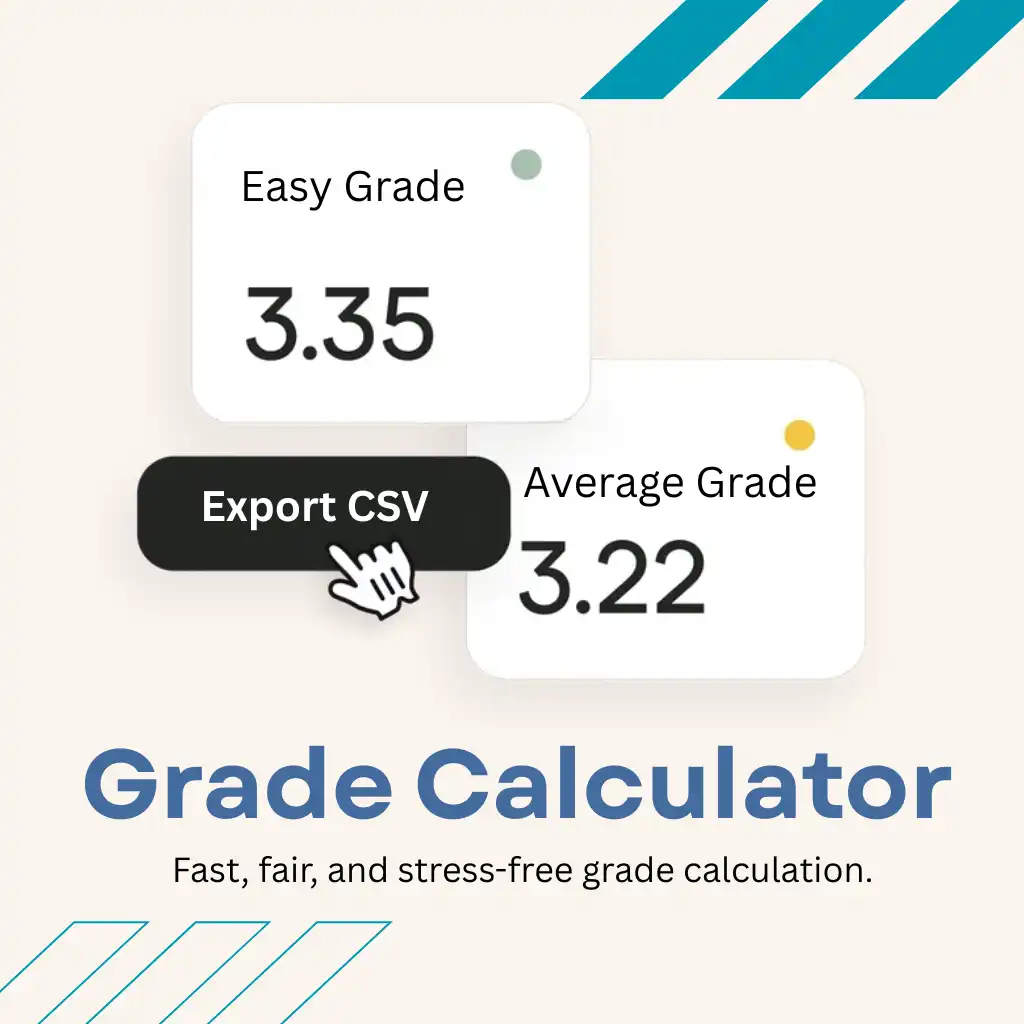
A Grade Calculator is a free online tool that helps students and educators quickly calculate grades based on scores and weights. Simply enter your marks to see your current grade, weighted average, and overall performance instantly.
It also helps you understand how each assignment affects your final grade. With the final grade calculator, you can estimate the score needed on upcoming exams to reach your target grade.
Why Everyone Prefers This Grade Calculator

A Grade Calculator provides students with clarity, accuracy, and motivation. Below are some of the major benefits of using this tool in academic planning:
Instant results, zero setup:
No account needed, nothing to download, no tutorial required. Enter your scores and your grade appears.
Comprehensive Weighted Support:
Whether your course uses percentage weights, total points, or a mix of both, the calculator computes your grade correctly every time.
Smart Final Grade Prediction:
Not just your current grade, the exact score required on your final exam to reach any target. Built for end-of-semester planning.
Adaptable Grading Scales:
Standard 10-point scale, 7-point scale, plus/minus system, or a custom cutoff set by your professor. The tool adapts to your school’s rules.
Optimized for All Devices:
Fast-loading on any phone, tablet, or laptop. The calculator is front and center. No ads blocking your results.
100% Free Forever:
No premium tiers, no usage limits, no subscription. Free for students, free for teachers, free forever. You can also download results as a CSV file.
How to Use the Grade Calculator?
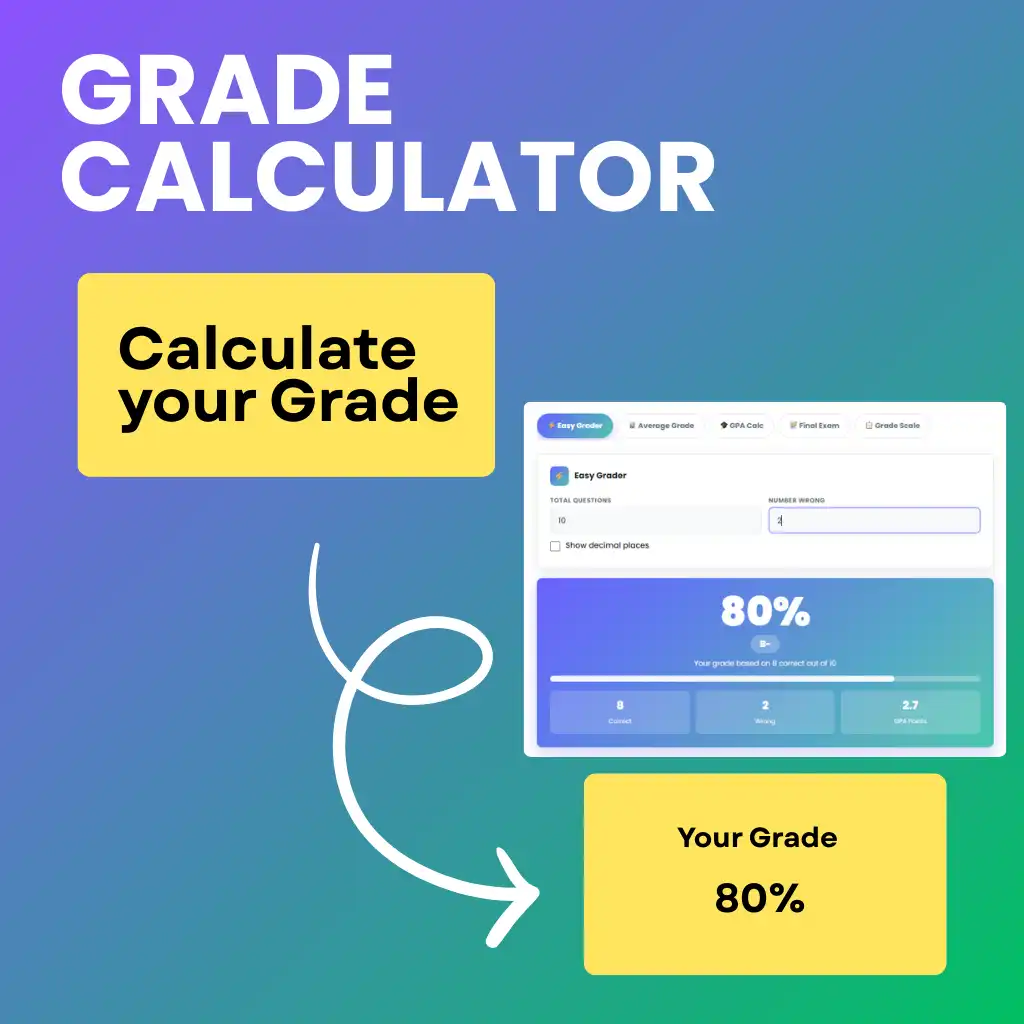
Input the Assignments:
- Enter your assignments.
- Add each grade you’ve received: quizzes, tests, homework, or projects.
- You can enter them as percentages (85%), points (42/50), or letter grades (B+).
Set Assignment Weights:
If your course uses different weights (like exams 40% and homework 20%), enter them. If everything counts the same, you can skip this step.
Check Current Performance:
The calculator instantly shows your weighted average, your current letter grade, and where you stand in your class.
Find Your Required Final Score:
Enter your final exam target. Enter the weight of your final exam and the letter grade you’re aiming for. The calculator tells you the exact score you need to earn it.
How Grade Calculation Actually Works?
Most courses use a weighted average. This means different assignments carry different amounts of importance toward your final grade.
The formula is straightforward:
Weighted Grade = (Score1 × Weight1) + (Score2 × Weight2) + …
A (Example)
88% homework, 75% midterm, and 92% quizzes = strong overall grade.
(88 × 0.20) + (75 × 0.30) + (92 × 0.50) = 17.6 + 22.5 + 46 = 86.1% (a solid)
B (Example)
Find your final exam score needed, the calculator uses:
Required = (Target Grade − Current Grade × (1 − Final Weight)) ÷ Final Weight
You could do this manually on any calculator, but this tool saves you the setup, handles the decimal math, and converts everything into a clear letter grade automatically. Teachers can use the same logic to build a grading scale for any test size.
Grade Calculator Examples:
The Student Before Finals
Alex has an 81% before finals, and the final is worth 25% of the grade. To finish with a B+ (87%), Alex would need 105% on the final, which isn’t realistic without extra credit. A solid B (83%) is more achievable and requires an 87% on the final.
The Teacher Grading 30 Papers
A teacher enters 20 total questions into the Easy Grader tab, and the tool instantly creates a grading scale like 1 wrong = 95%, 2 wrong = 90%, and 3 wrong = 85%, making it easy to grade every paper without manual calculations.
The Parent Checking GPA
A parent wants to know if a 72% on a biology test will hurt their child’s semester grade. They enter the current 88% average (worth 80% of the grade) and the new 72% test result (worth 20%). The new average drops to 84.8% still a B.
Who Uses This Grade Calculator

Students (High School & College):
Figure out exactly what you need on your final. Stop guessing whether you’ll pass. Know your grade before your professor posts it.
Teachers & Professors
Grade quizzes and tests in seconds using the Easy Grader. Generate a printable grading scale for any test size. No more mental math mid-stack.
Parents:
Track your child’s academic standing across all subjects. Understand the impact of missed assignments before report cards arrive.
Homeschool Educators:
Build a consistent grading scale for custom curriculum. Convert raw scores to letter grades using any percentage threshold you set.
Grading Scales Around the World
USA
A = 4.0
B = 3.0
C = 2.0
D = 1.0
F = 0.0
Canada
A = 80%+
B = 70–79%
C = 60–69%
D = 50–59%
F = Below 50%
Europe (EU)
1.0 = Excellent
2.0 = Good
3.0 = Okay
4.0 = Pass
5.0 = Fail
UK
70%= First Class
60–69% = 2:1
50–59% = 2:2
40–49% = Third
Below 40% = Fail
Grade Calculations
| Current Grade | Final Exam Weight | Goal Grade | Marks Needed |
| 85% | 40% | A (90%) | 95% |
| 72% | 30% | B (80%) | 88% |
| 60% | 50% | C (70%) | 80% |
Common Mistakes Students Make
- Forgetting to include homework weight.
- Mixing percentages with letter grades.
- Not updating when teachers change exam weight.
- Checking grades only at the end of semester.
👉 Avoid these mistakes to get accurate results.
Why Teachers Trust Our Grading Tools



FAQs
Final Thoughts
Grades don’t have to be stressful when you know exactly where you stand. Whether you’re a student figuring out your grade, a teacher grading quickly, or a parent checking semester progress, this tool gives you a clear answer. This free grade calculator gives you a clear, instant answer.
No math. No stress. Just your grade.